FOR FAMILIES · LEARNING THROUGH CODING
Small projects. Plenty to think about.
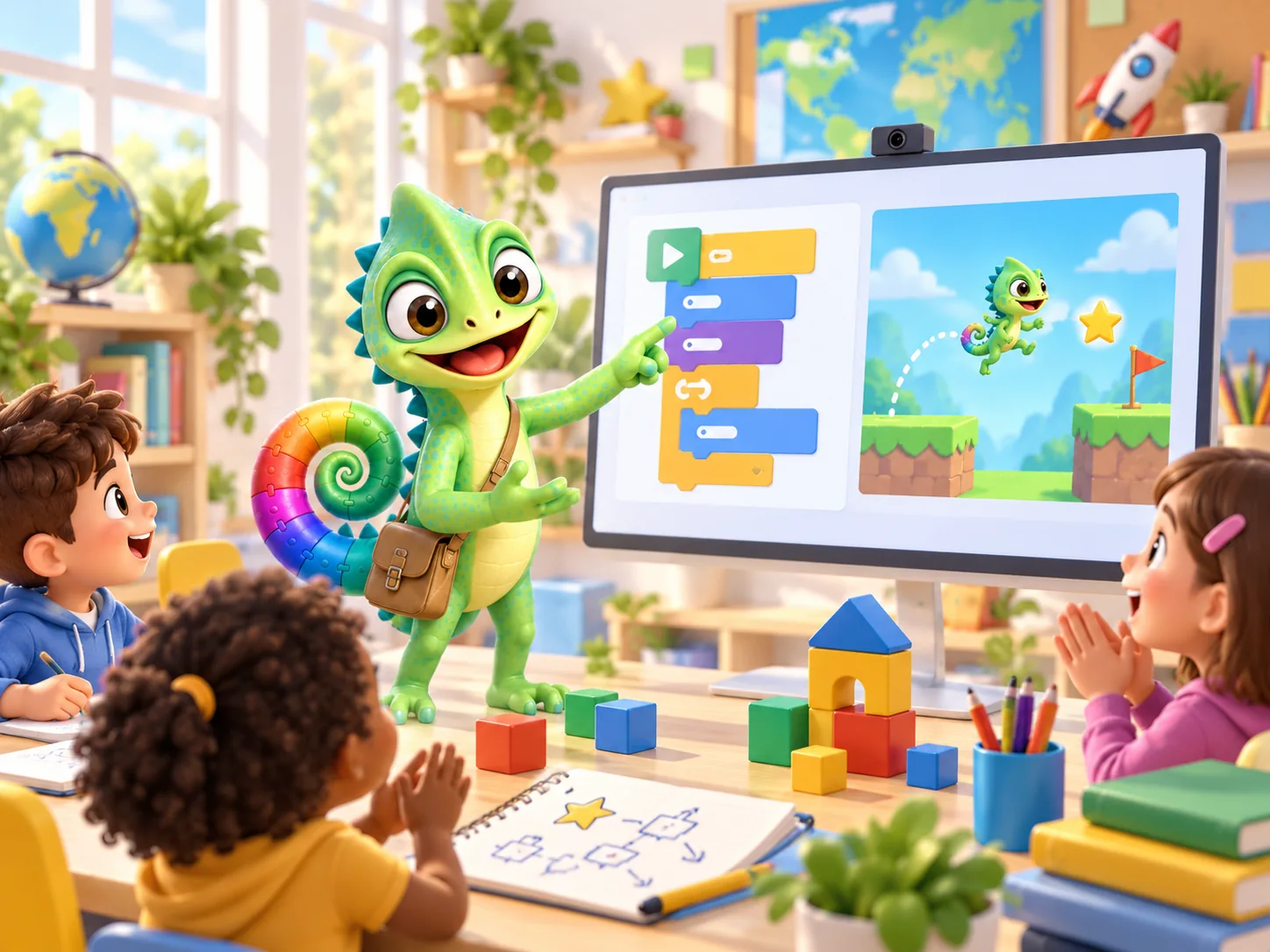
Your child wants a turtle to draw a square on screen. What should happen first? How far should it move? Why did it turn the wrong way? A small coding project gives you plenty to work out together.
PUT IT INTO PRACTICE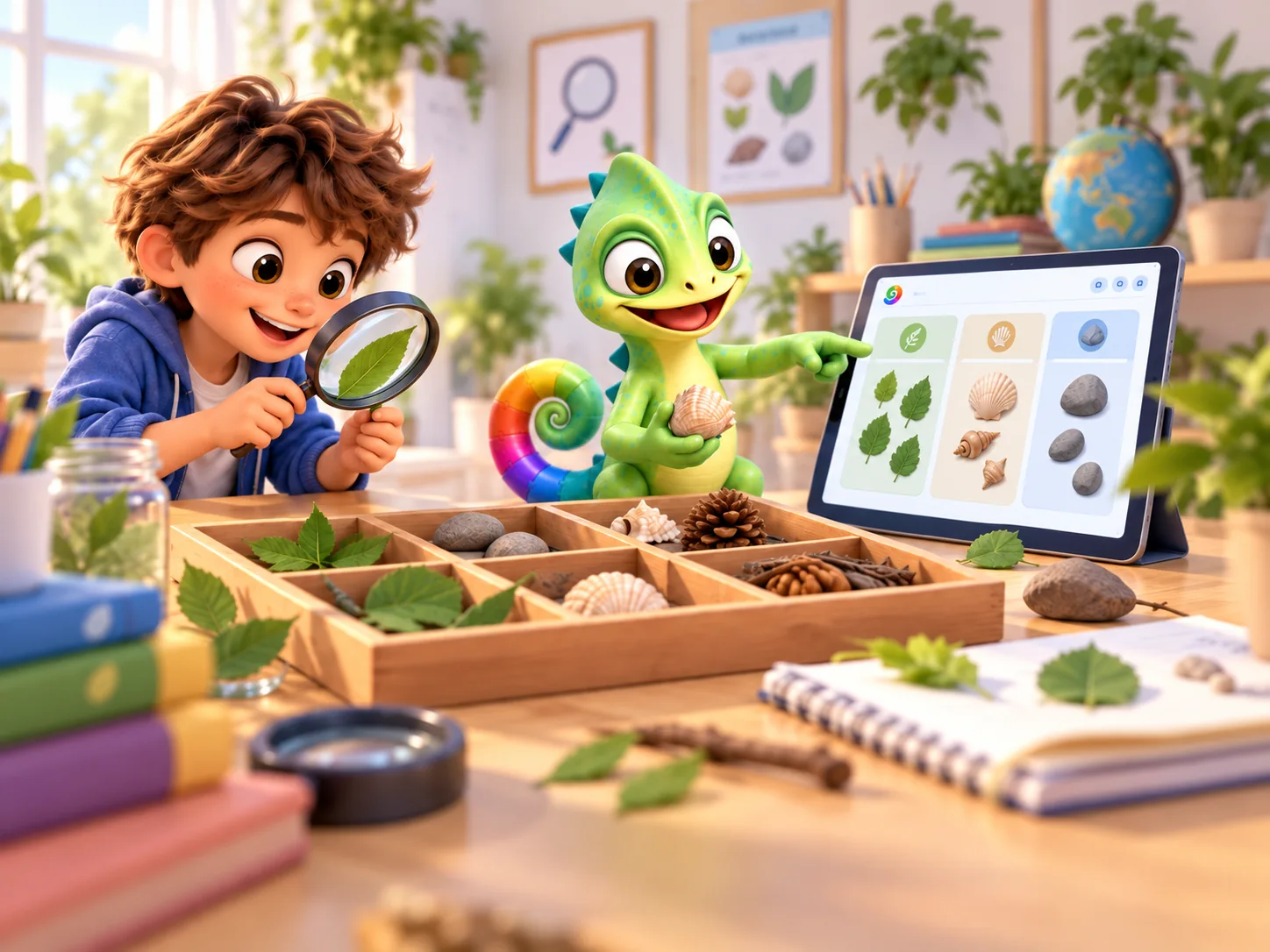
What does the research tell us?
A review combining 105 studies found that learning to program helped other thinking skills on average. The clearest benefits were for skills closely related to coding. Benefits for school results and reading and writing were smaller. The differences were also smaller when children were compared with others doing a different learning activity.
The studies involved different ages and ways of teaching. They do not show that every coding app benefits every child, and they did not study Pliro. Use them as background when deciding what to try.
Review of research studies · Read the sourceFour things to look for
You do not need to test your child at home. Watch how they tackle a small project and ask a question when they need a hand.
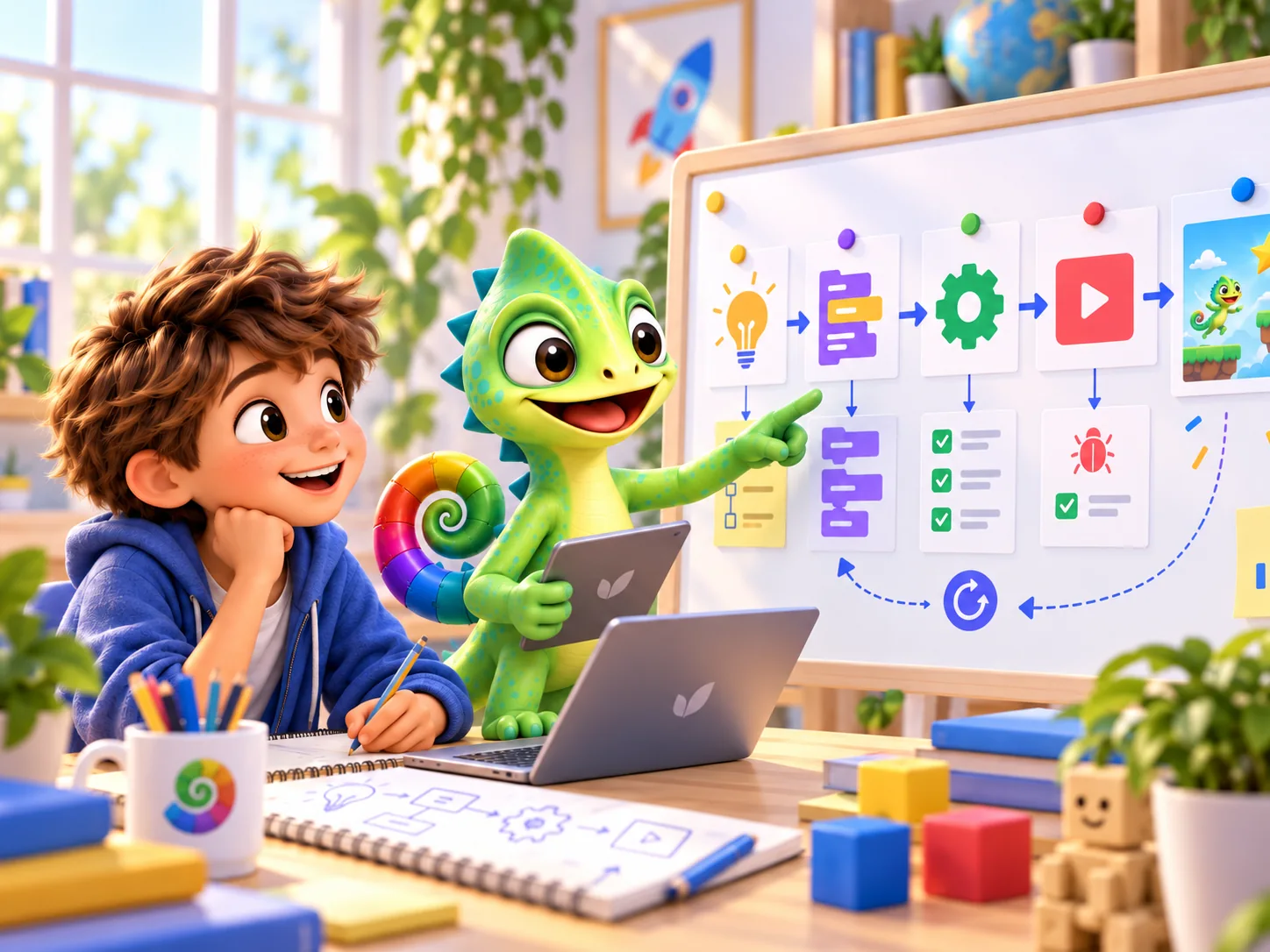
- Breaking a problem down
- How will the character move? When does the player score? How does the game end? Pick one question to work on first.
- Making a prediction
- Before pressing Run, ask where the turtle will finish. Then look at the result together.
- Trying one useful change
- Change one instruction and try again. This makes it easier to see what caused the difference.
- Explaining a choice
- Why that colour or game rule? Let your child choose and show you how they made it happen.
Follow an interest in maths, art, music or science
A project can bring different interests together. There is no need to cover everything. Choose one thing your child wants to try.
- Using maths
- Change a turning angle to make a different shape. Adjust a character’s speed and see whether it can make a jump.
- Making music
- Write a short tune for a game. Change a note or its length, listen back and decide which version you prefer.
- Bringing art to life
- Draw a character, then make it move by showing slightly different drawings in turn. Choose its colours, shape and movement.
- Trying a hands-on science project
- With a Raspberry Pi and suitable extra parts, make a real light respond to a button. An adult can help connect the circuit and explain what happens. The small computer and parts are bought separately.
- Trying again and working together
- Talk about what already works, share the next job and celebrate a small improvement. A failed attempt can give you a clue about what to try next.
Help without taking over
Before offering an answer, ask, ‘What did you think would happen?’ If the task feels too big, make it smaller or try one step together.
Leave time for drawing, moving about and talking away from the screen. Your child could walk a route before writing instructions for the turtle to follow it.
Pliro uses readable instructions and coloured blocks, with results you can see straight away. These give children opportunities to practise. The software cannot promise that every child will become more confident or persistent.
PUT IT INTO PRACTICE
Try it together: change one thing
Set aside about 20 minutes. You need paper and the drawing activity on the children’s page.
- Sketch a shape together. How many sides and turns will it need?
- Open the drawing activity and choose the number of sides. Does the result match the sketch?
- Choose a different number. Ask what your child thinks will change before trying it.
- Let your child explain the difference and choose the next shape.
Ask, ‘What did you find out?’ Keep the sketch and write down a sentence in your child’s own words.
Try the drawing activityCommon questions
Does my child need to be good at maths?
No. Begin with a small drawing or a pattern. If numbers or angles make the activity frustrating, try the step together or make it simpler.
Does a mistake mean my child has not understood?
Not necessarily. Ask what they expected and look at what happened. Spotting the difference can help you decide which step to check next.
Updated on 22 September 2026. Editorial team: Pliro.
Sources & editorial notes
- Review of research studiesScherer, Siddiq & Sánchez Viveros (2019) — The cognitive benefits of learning computer programming
We explain which ideas come from research and which are our own suggestions. The illustrations were made with AI and do not show real children.
PLIRO · A FIRST STEP
Discover what your child wants to make.
Have a go at a short drawing activity together. Free Pliro Learner is enough to get started; Creator Pro is an optional paid step for more advanced projects.