
THINK IT. MAKE IT. PLAY IT.
Your idea. Your own game.
Fancy making your own game? With Pliro, you tell the computer what to do using simple words or coloured blocks. Start with an example, change one thing and see what happens.
You do not need to know it all before you start. Make a plan, have a go and work out the next step.

TRY IT HERE
You choose. The turtle draws.
Choose how many sides to draw: 3, 5 or 8. What shape do you think you will get? Press Draw and find out.
# language: enfor side in [1, 2, 3, 4]:forward 60right 360 / 4
Ready to make something
Here you can choose a shape to try. In the Pliro app, you can change the instructions yourself.
Download the exampleClick ‘Blocks’ too. You'll see the same instructions as blocks instead of text.
WHAT WILL YOU MAKE?
Choose your adventure
Choose a game, a drawing or a flashing light. Each starts with an example for you to play with and change.
FOR GAME FANS
Your maze. Your rules.
How fast can you get through the maze? Where should the walls go? Try the Laser Maze game, then change a small part to make it your own.
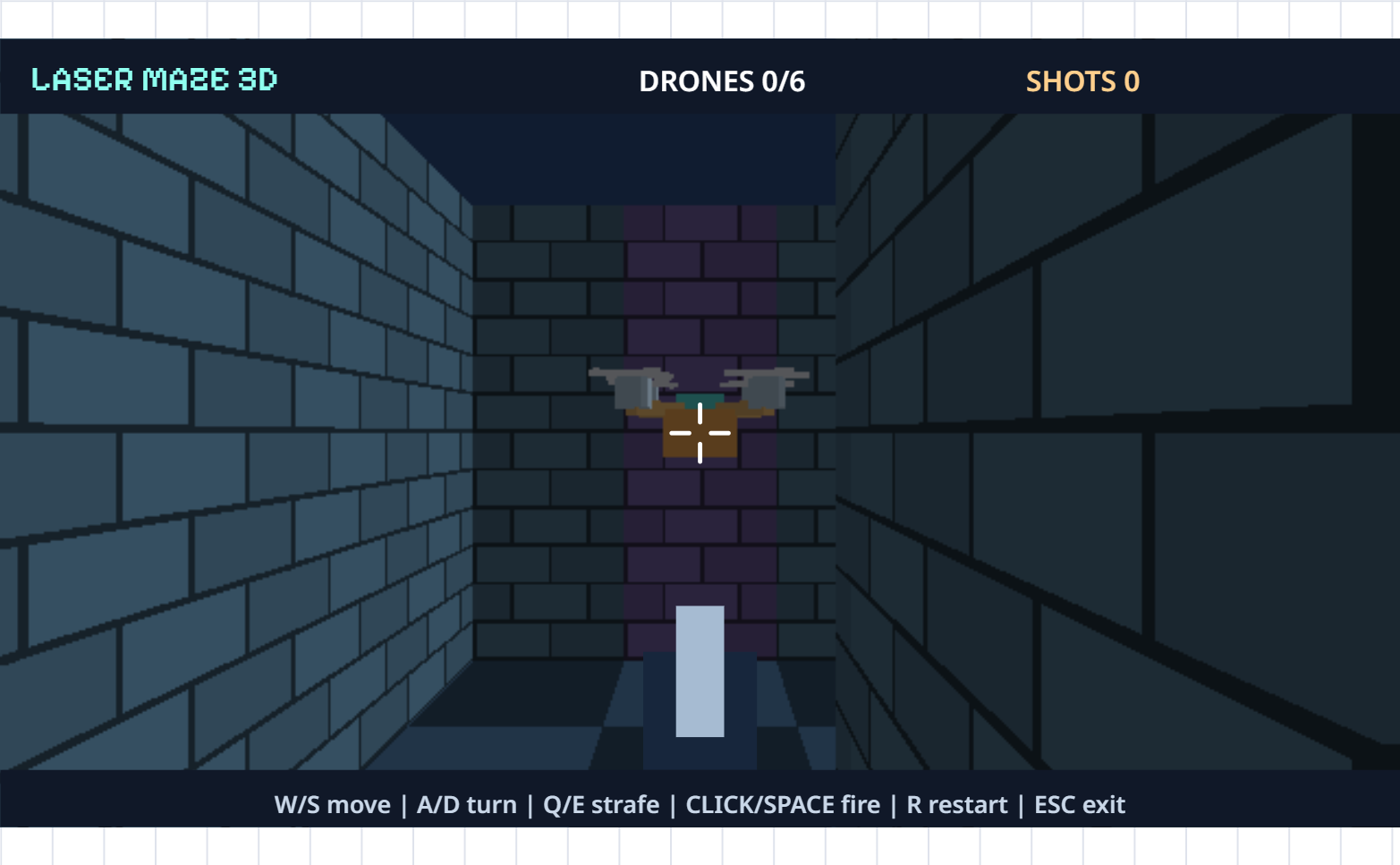
MADE WITH PLIRO
Play. Change. Discover.
These games were made with Pliro. Have a go, then look at the instructions to see how they work.

EVERYONE STARTS SOMEWHERE
Not working yet?
Have a look at what happened. Change one small thing and try again. Still stuck? Ask for a hand or take a break. You can come back to it.
- Try it
- Look
- Change it
- Again!
WANT TO FIND OUT MORE?
What will you try next?
Plan a game, solve a puzzle or check an idea. These short guides give you something to try, with or without a computer.
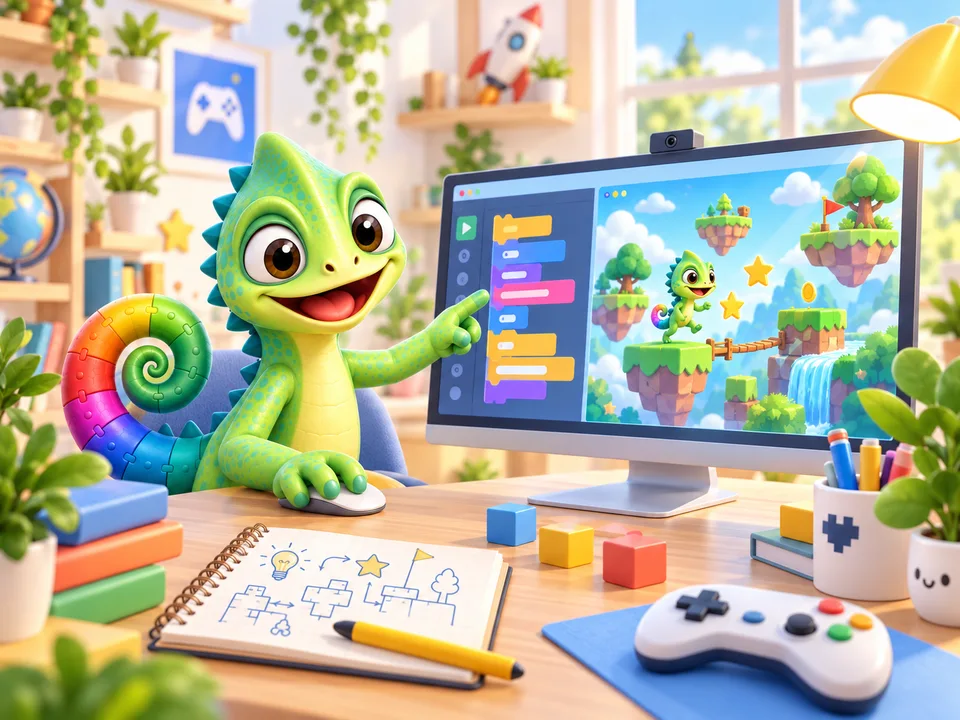
Plan your first game
Choose the rules and draw a maze. Let someone try your game.
Read and try
A mistake? Be a detective
Is your game doing something odd? Look closely, change one thing and try again.
Read and try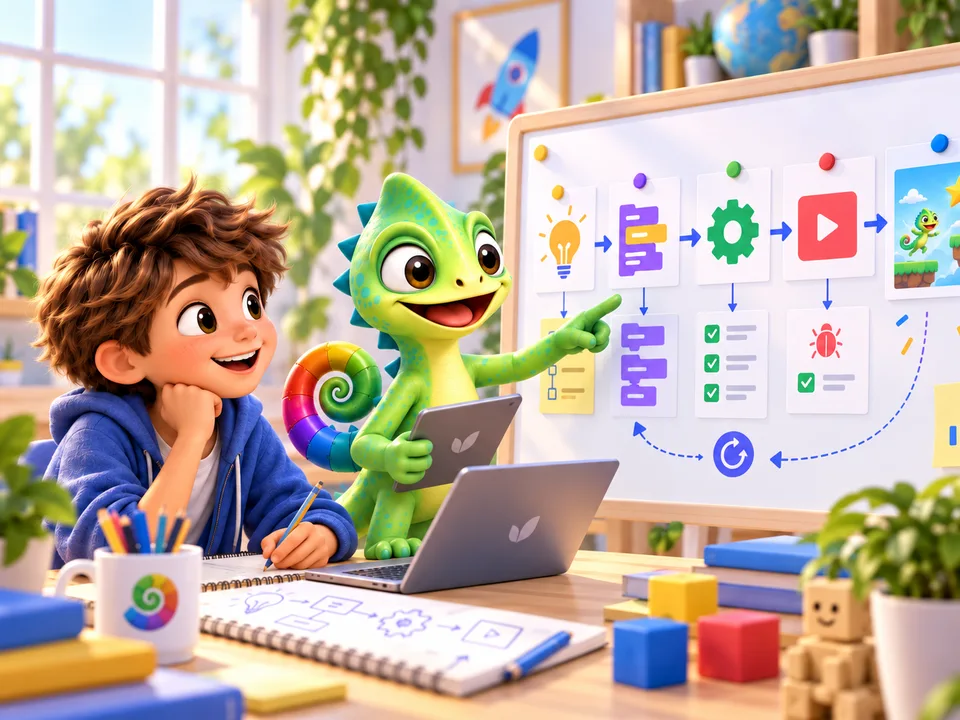
AI can help. You decide.
An AI idea sounds clever. But does it work? You can find out.
Read and tryWANT TO KEEP GOING?
Make your first project
Ask a parent, carer or another grown-up to help you install Pliro on a Windows or supported Linux computer. Open an example together and have a go.
Download for Linux (.deb)For supported Linux systems with a 64-bit Intel or AMD processor
Pliro Learner is free. A grown-up can use their email address to request a free licence key, then enter the code in the app to get you started.