FOR FAMILIES & TEACHERS · SKILLS FOR EVERYDAY LIFE
Help them make their own ideas happen.
A new game rule, a moving drawing or a tune for a story: coding gives children a way to try ideas like these. They can change something, see what happens and decide what to do next.
PUT IT INTO PRACTICE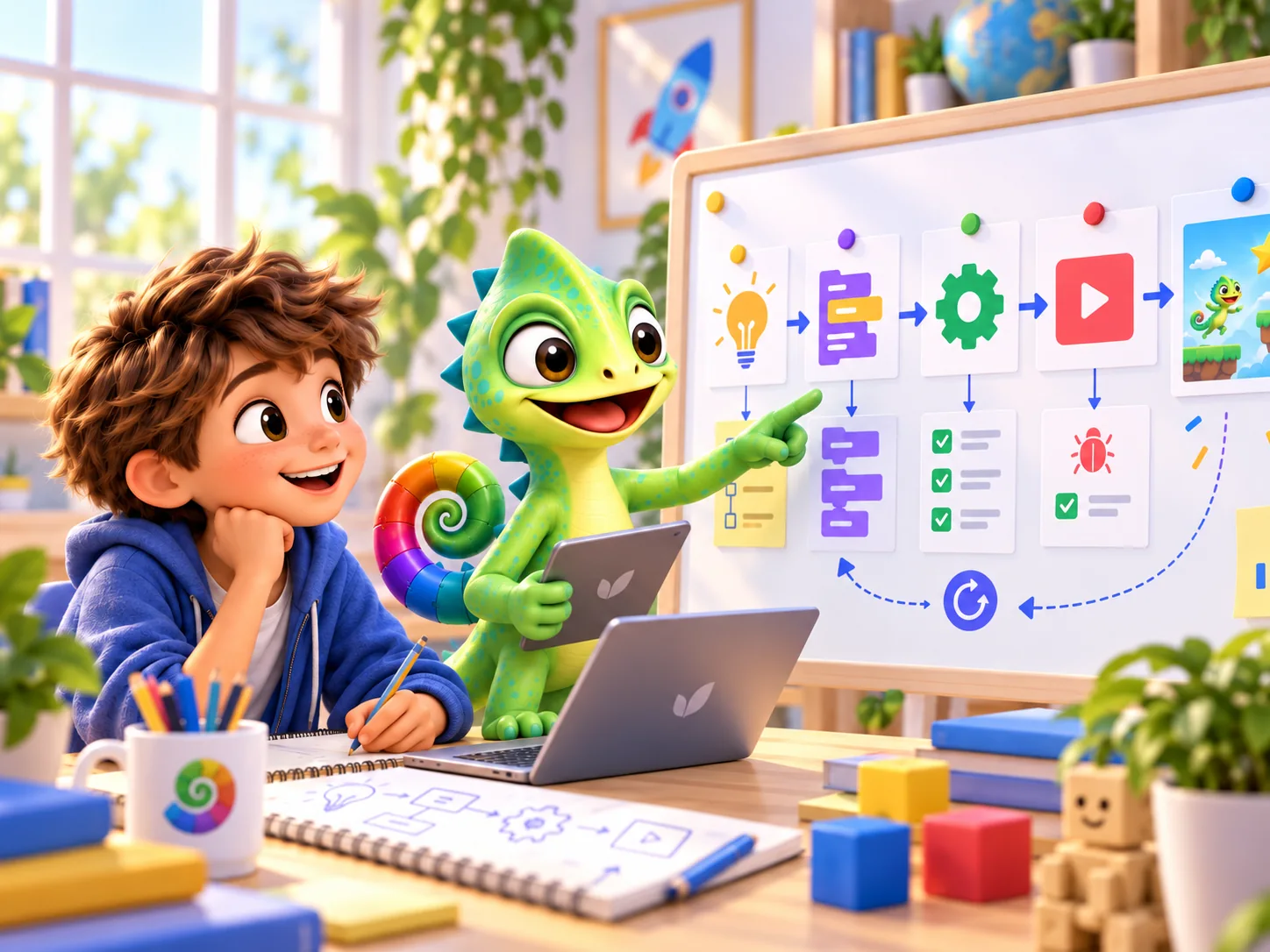
Using technology involves more than writing code
DigComp 3.0 is a European guide to digital skills, published in 2025. It covers checking information, working with others, making digital content and solving problems. These skills can be useful at school and in everyday life. For a child, a small project they enjoy is a good starting point.
European guide to digital skills · Read the sourceWhy STEM development matters
STEM stands for science, technology, engineering and mathematics. SLO describes investigation and design as central activities in science and technology education. They give children a context for applying maths, asking questions and discussing possible solutions.
A practical Pliro activity: draw a square, then change it into a hexagon. Ask your child to predict how the turning angle changes, run the code and compare the results. This connects investigation, programming and geometry. Ask why the shape closes: a complete turn is 360 degrees.
You can do this with free Learner. Choose a small task, help with questions and ask your child to explain their approach. What they learn also depends on the task, practice and guidance.
Education framework · Read the sourceWhy learn to code if AI can do it?
AI can suggest code, but someone still has to decide what the program should do. Does it work? What happens if someone makes an unexpected choice? These are useful questions to explore with children.
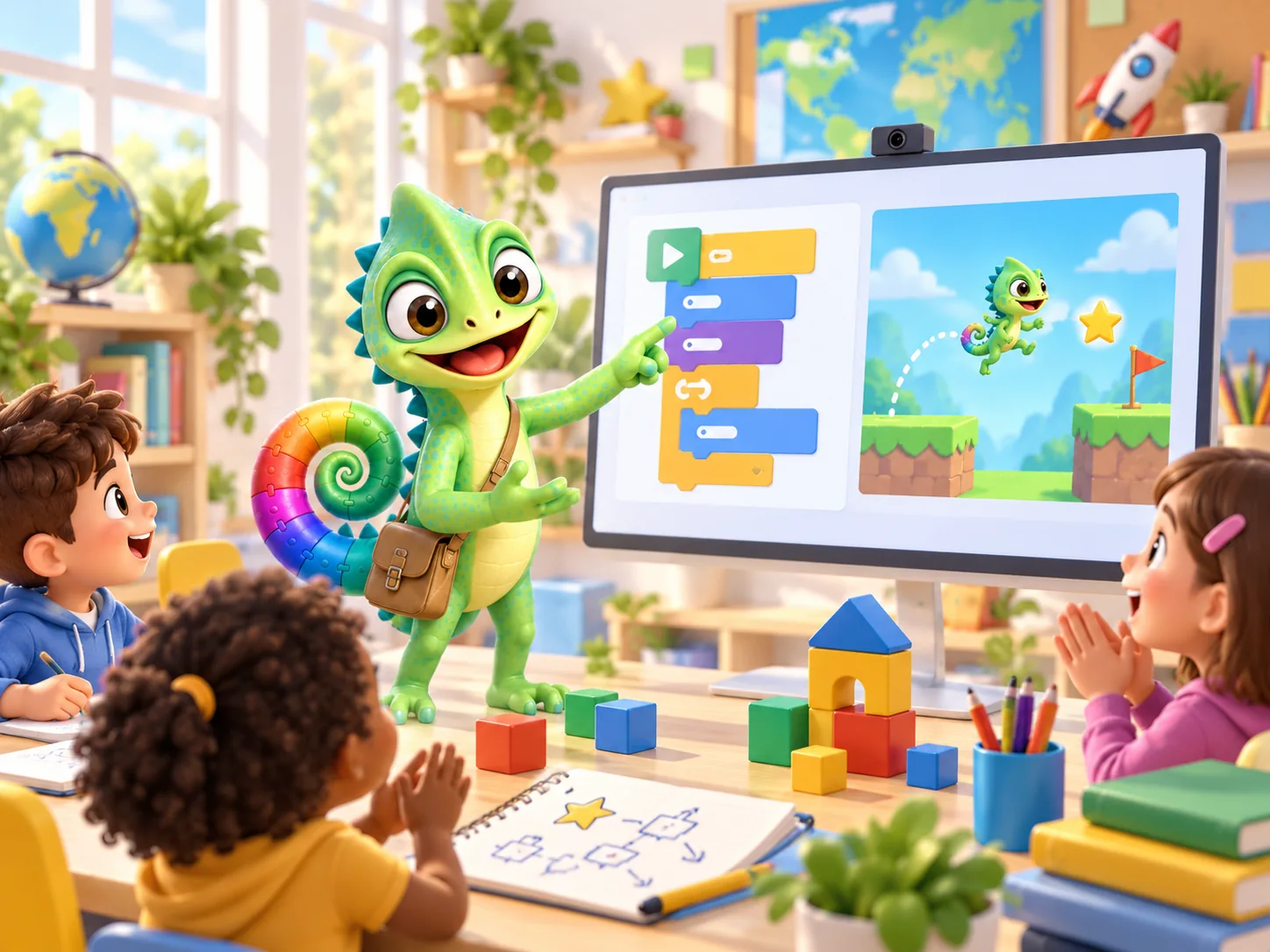
Take a simple game rule: collecting a coin earns a point. Does it happen once, or every time the character touches the coin? Who decides? A rule your child has made gives you something concrete to discuss.
Ask your child to explain and test a small program. It is a way to practise thinking for themselves, whether an idea came from them, another person or a computer. You do not need to use AI to try these activities.
Three ways to follow their curiosity
Follow what your child enjoys. Music, drawing, maths and investigation can all be the starting point for a small project.
- Tell a story with pictures and music
- Draw a character, make it move and write a tune to go with it. Talk about how the colours, movement and sound change the mood.
- Try an experiment
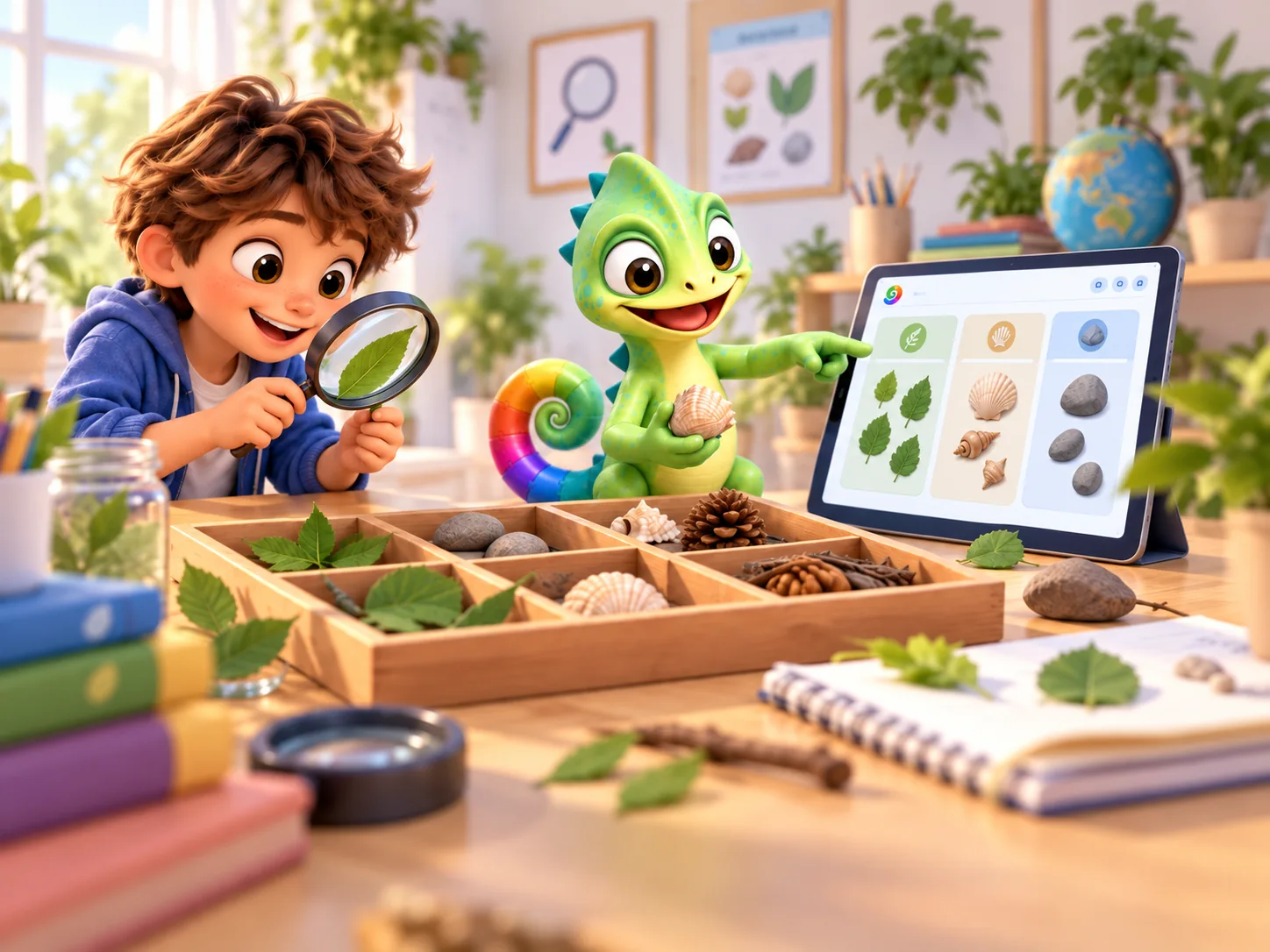
- Change the size of a pattern or compare measurements of a growing plant. What do the numbers tell you? What else would you need to find out?
- Make something useful
- Create a quiz for a club or a simple tool for a friend. Ask someone to try it and tell you where they got stuck. Then improve one part.
Start small and leave room to grow
Choose something your child wants to make now. A small project they understand gives you plenty to talk about. Their interests may change, and coding can sit alongside music, sport, art and outdoor play.
Pliro lets children see what their instructions do as they try them. Free Learner is enough for the first coding activities. Creator Pro adds tools for more advanced apps, while Classroom is a separate option for schools. There is no need to buy either to get started.
PUT IT INTO PRACTICE
Talk through an idea before you start
Choose a game, quiz or simple drawing your child wants to create. Start on paper.
- Who is it for? What would you like it to do?
- Choose three things it could do, then pick one to make first.
- Think of one way it should work and one thing that might go wrong.
- Let someone try it. Ask whether it did what they expected.
Ask, ‘Which choices do you want to make yourself? Which parts could a computer help with?’
Choose a project to tryCommon questions
What if my child mainly enjoys music or drawing?
Start there. Compose a short melody, draw a character or design a pattern. Coding can be a way to explore an existing interest further.
Does my child need to make a big project straight away?
No. One animated drawing or a working game rule is already something to be proud of. Let your child explain what they discovered and decide together whether to take another step.
Updated on 22 September 2026. Editorial team: Pliro.
Sources & editorial notes
- European guide to digital skillsCosgrove & Cachia, European Commission JRC (2025) — DigComp 3.0
- Education frameworkSLO (2023) — Componenten van wetenschap en technologie
We explain which ideas come from research and which are our own suggestions. The illustrations were made with AI and do not show real children.
PLIRO · A FIRST STEP
Start with your child's idea.
Choose a game, drawing or invention and have a go together. You can decide what else you need as the project grows.