FOR TEACHERS · PLANNING A LESSON
Ask pupils to explain what the code does.
A pupil can copy a working program without understanding it. Another may have a good explanation even though their program still has a mistake. Look at both the result and how they reached it.
PUT IT INTO PRACTICE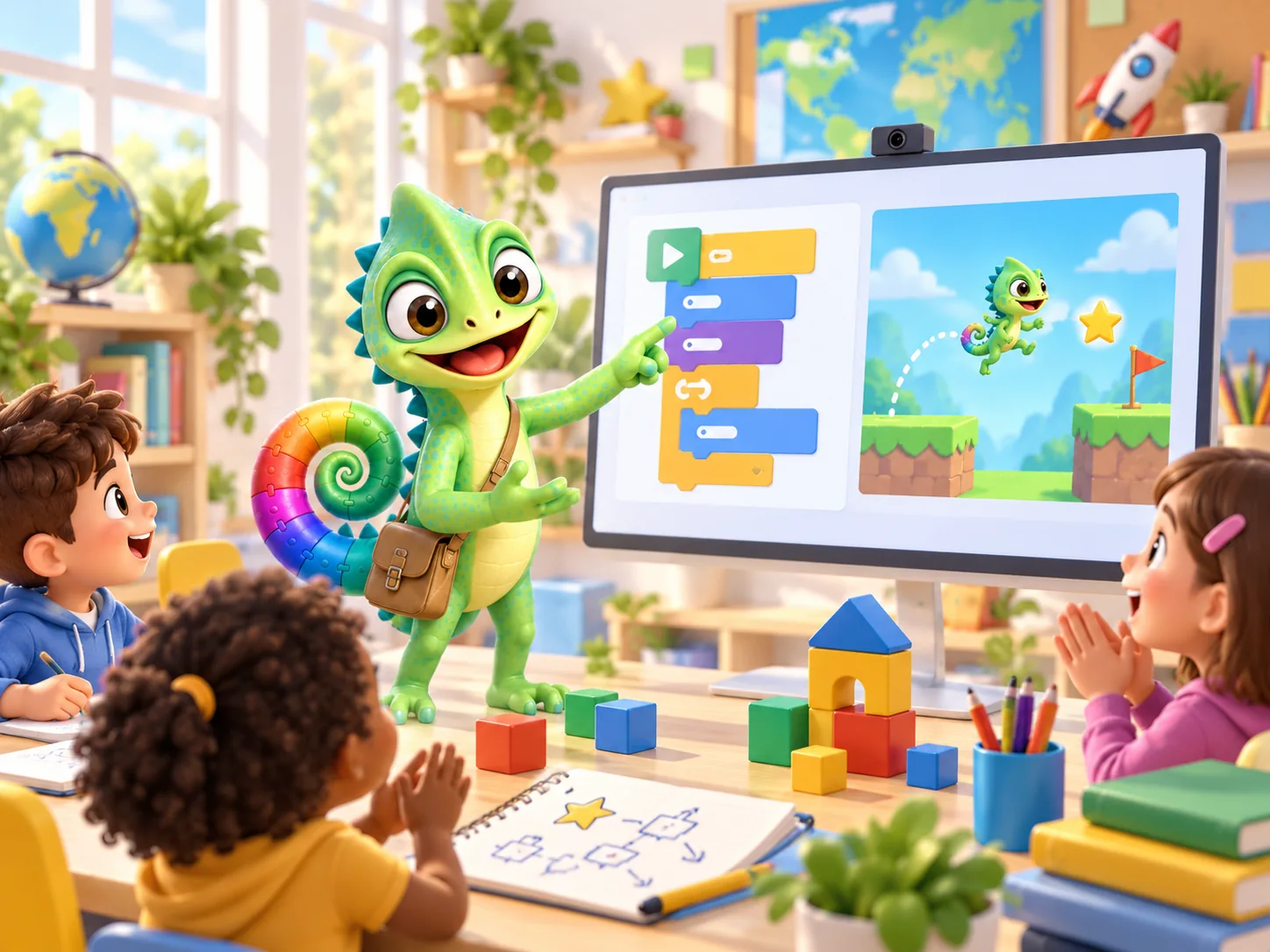
Read, discuss, try and make
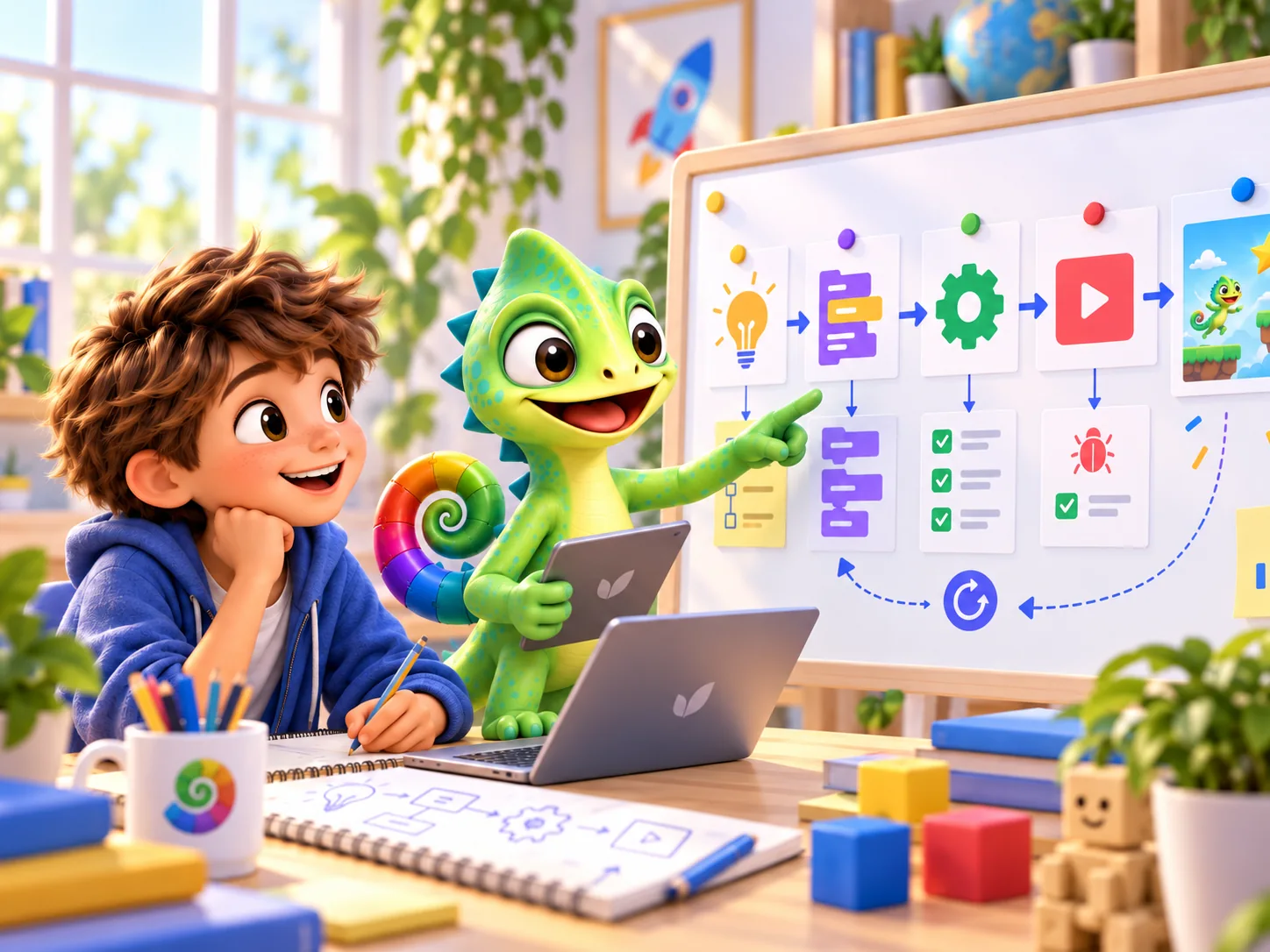
PRIMM is a way to structure a coding lesson: Predict, Run, Investigate, Modify and Make. Pupils first discuss an example, then try it and change it before making something of their own. A study in 13 schools involving 493 pupils aged 11–14 reported better results for the PRIMM group than the comparison group. This is useful background for planning lessons; it does not prove how well Pliro works or promise the same results for younger children.
Secondary-school study · Read the sourceFit the activity to your teaching plan
The original Pliro resources refer to Dutch guidance published by SLO and the Dutch education ministry in 2025. It includes making digital projects and learning to program. This is background reading from the Netherlands, not a UK curriculum requirement.
For your class, choose goals from your school’s own curriculum and decide where a short coding activity fits. Coding is one part of learning about technology. Finding reliable information, protecting personal details and understanding the effects of technology need attention too. Pliro does not claim curriculum certification.
Dutch curriculum background · Read the sourceLook for understanding, as well as a finished picture
Decide which small step you want pupils to explain. These questions can help you observe their work; they are teaching suggestions, not a formal assessment scheme.
- Putting steps in order
- Can the pupil say what the first instruction does and what happens next, before running the program? A sketch or spoken answer is fine.
- Repeating instructions
- Can the pupil spot the steps that repeat and say how many times? Compare two short versions together.
- Finding a mistake
- Can the pupil point to a difference between their prediction and the result? Ask them to choose one change and try again. Keep both versions.
- Talking it through together
- Can both pupils explain what their pair is trying? Swap who uses the computer and who describes the next step.
The same idea, with different support
Give pupils who need support a short example that already works. They could put steps in order, point to an instruction or draw a prediction. Pupils ready for a challenge can make a different version and explain what they kept the same.
Use coloured blocks or typed English instructions, whichever helps the pupil understand the task. Both describe the same program. Moving from blocks to text can wait if the lesson is about how repetition works.
Try one lesson before planning a whole series. Notice what causes difficulty: the words, the controls or the coding idea. Use that to decide what to explain or practise next.
PUT IT INTO PRACTICE
Try a lesson: predict, draw and change
Allow about 35 minutes. This suggestion uses the PRIMM approach; the activity itself has not been tested in a Pliro research study.
- 5 minutes — Show a short turtle program. Ask pupils to sketch what they think it will draw.
- 5 minutes — Run it and discuss any differences from their predictions.
- 10 minutes — In pairs, find the instructions that repeat. Swap who uses the computer and who explains.
- 10 minutes — Change one number, then make a pattern of their own.
- 5 minutes — Collect the drawing and a sentence: ‘My change did … because …’.
Finish by asking, ‘Would your explanation work for a different shape?’ Use the answers to plan the next lesson.
See the teaching resourcesCommon questions
Do I need programming experience?
You do not need to be an expert. Try the short example yourself before the lesson, so you know what it should do. Choose one clear goal and work through the questions with your pupils.
Has Pliro’s effect on learning been measured?
We are not presenting a study of Pliro’s results. The research here is about ways to teach programming. Our own lesson ideas are suggestions for you to try and adapt with your class.
Updated on 22 September 2026. Editorial team: Pliro.
Sources & editorial notes
- Secondary-school studySentance, Waite & Kallia (2019) — Teaching computer programming with PRIMM
- Dutch curriculum backgroundSLO / OCW (2025) — Definitieve conceptkerndoelen digitale geletterdheid
We explain which ideas come from research and which are our own suggestions. The illustrations were made with AI and do not show real children.
PLIRO · A FIRST STEP
Plan one small activity for your class.
Start with the English lesson ideas on this site. The printable kit is currently in Dutch. Free Learner lets you try coding before considering the paid Classroom option.